


- Log in to the Windows OS on the active system (lk-node01) as LKDOMAIN\lkadmin.
- Launch the LifeKeeper GUI and log in as LKDOMAIN\lkadmin.
- Click the Add Dependency icon.
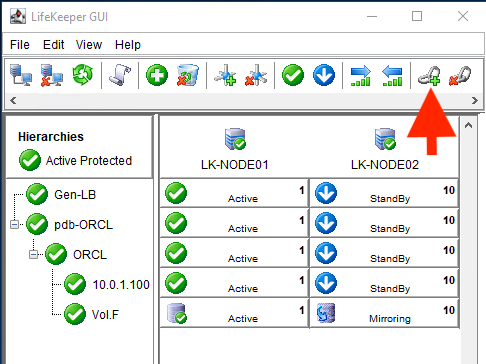
- Enter the values as described in the table below:
| Create Dependency | |
| Server | LK-NODE01 |
|---|---|
| Parent Resource | Gen-LB |
| Child Resource | Pdb-ORCL |
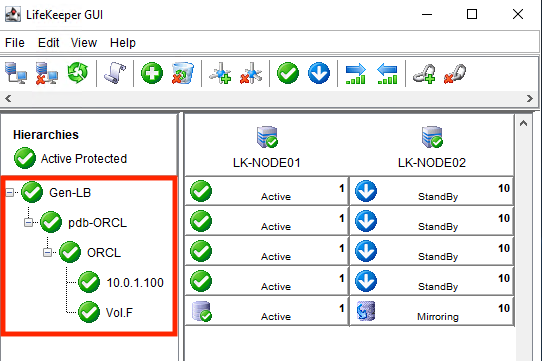
- Now you have created the dependencies required for the pdb-ORCL resource.
Post your comment on this topic.