


Launch the DataKeeper UI on either of the cluster nodes and create your DataKeeper Volume Resource as shown below.
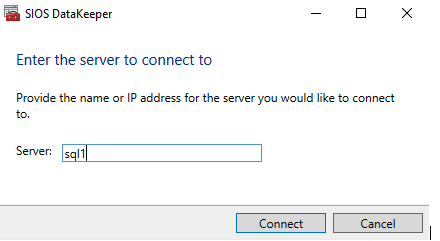
Connect to both servers, first SQL1 and then SQL2.
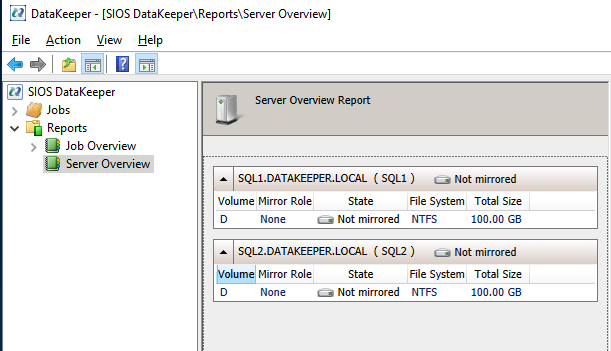
If you have connected to both servers and the storage is configured properly, the Server Overview Report will list the available storage as illustrated below:
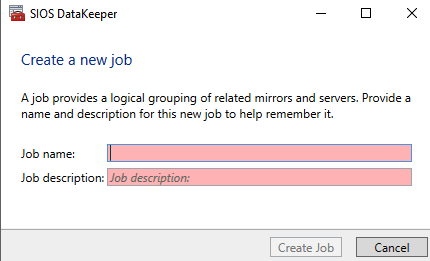
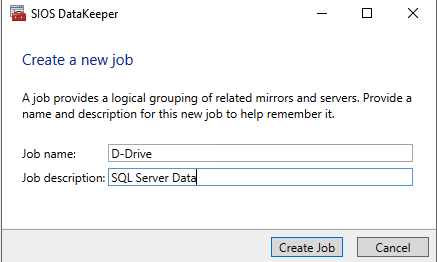
Click Create Job to start the Job Creation Wizard.
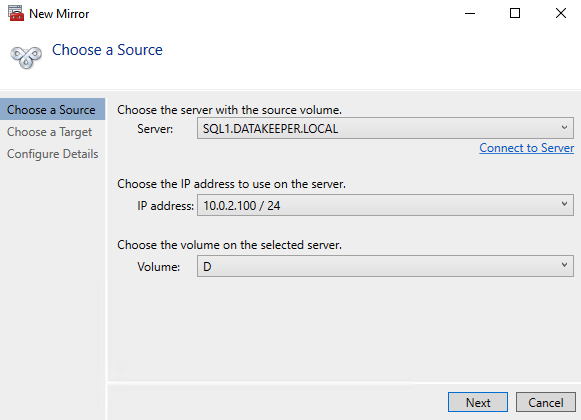
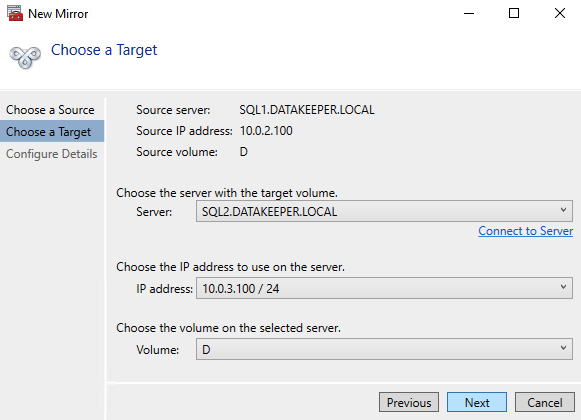
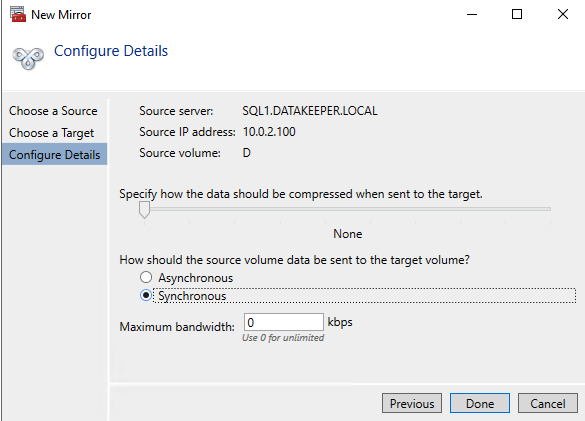
DataKeeper supports both Synchronous and Asynchronous replication. For replication between Availability Zone, Data Center; in the same Region, choose Synchronous. If replicating across Regions or cloud providers, choose an Asynchronous mirror(s).
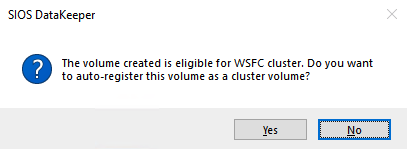
Click “Yes” here to register the DataKeeper Volume resource in Available Storage in the cluster.
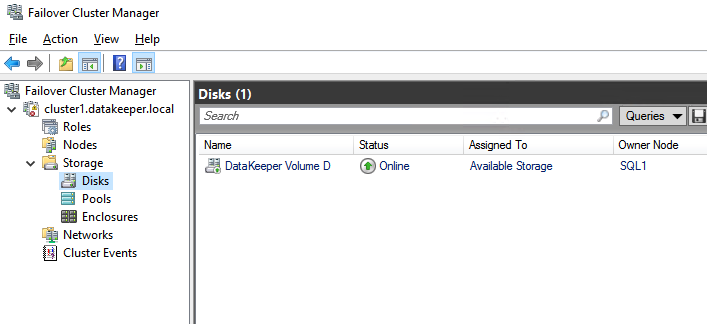
The DataKeeper Volume D now appears in Failover Cluster Manager in Available Storage.
Post your comment on this topic.